

Start a trial
Who this is for: the person who sets up Liitora for a company for the first time.
Before you start: you need a work email you can read now. Nothing else: the trial needs no card.
You sign up in two steps. First you get a link by email, which proves the address is yours. Then you create your account and your company on the page the link opens. You become the company’s admin.
1. Ask for the link
Section titled “1. Ask for the link”- Open the signup page,
/signupin the Liitora app. - Enter your work email and select Send the link.
- Check your inbox for Finish creating your Liitora account. The link works once and expires in 24 hours.
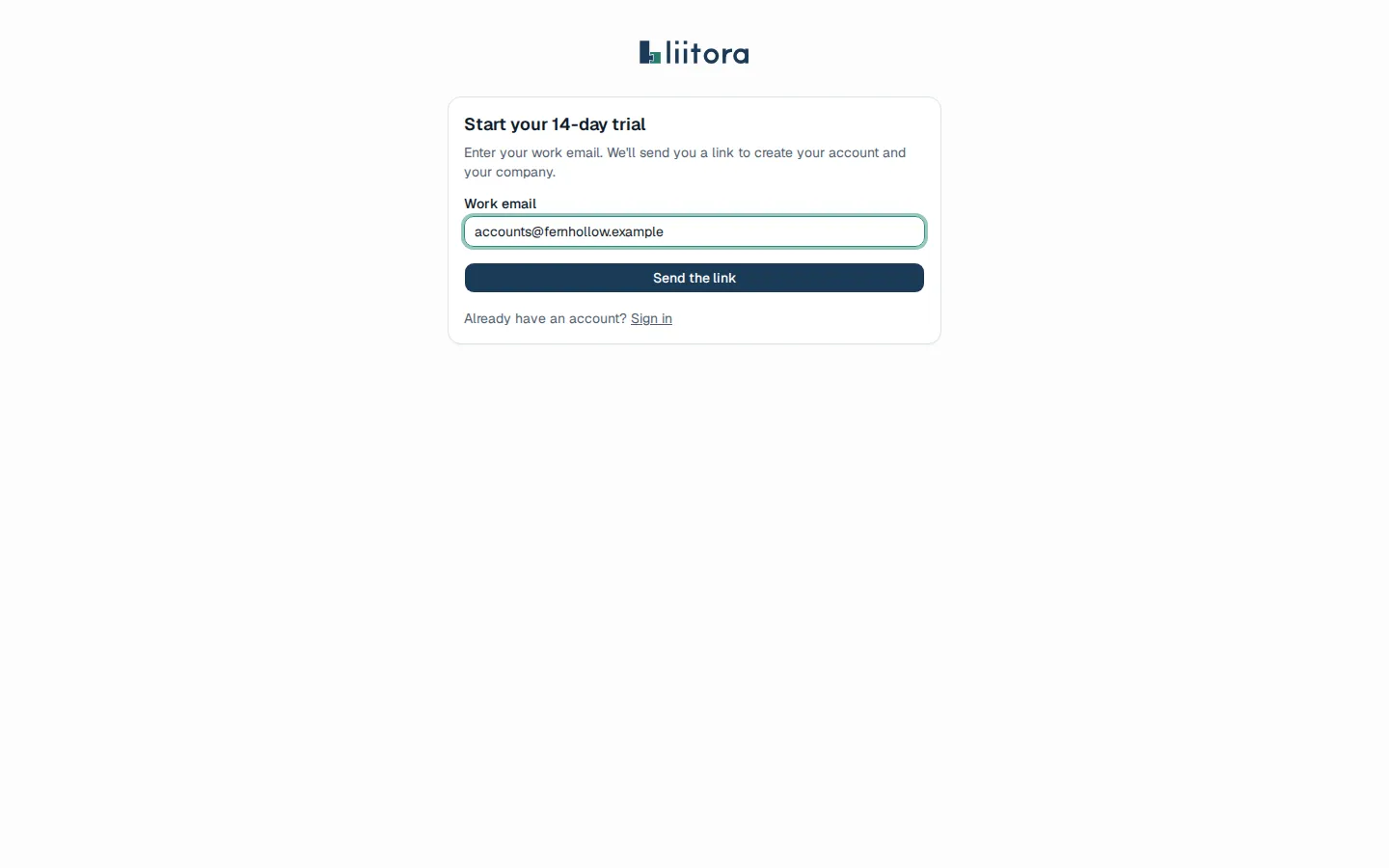
Addresses from throwaway email services are refused: the trial needs an address your company reads.
The page always says a link is on its way, so it never tells anyone whether an address has an account. If you already have one, the email says so and tells you how to sign in instead. Each person belongs to one company for now, so one email can’t start a second company.
If nothing arrives within a few minutes, check your spam folder, then ask again. Asking again replaces the earlier link.
2. Create your company
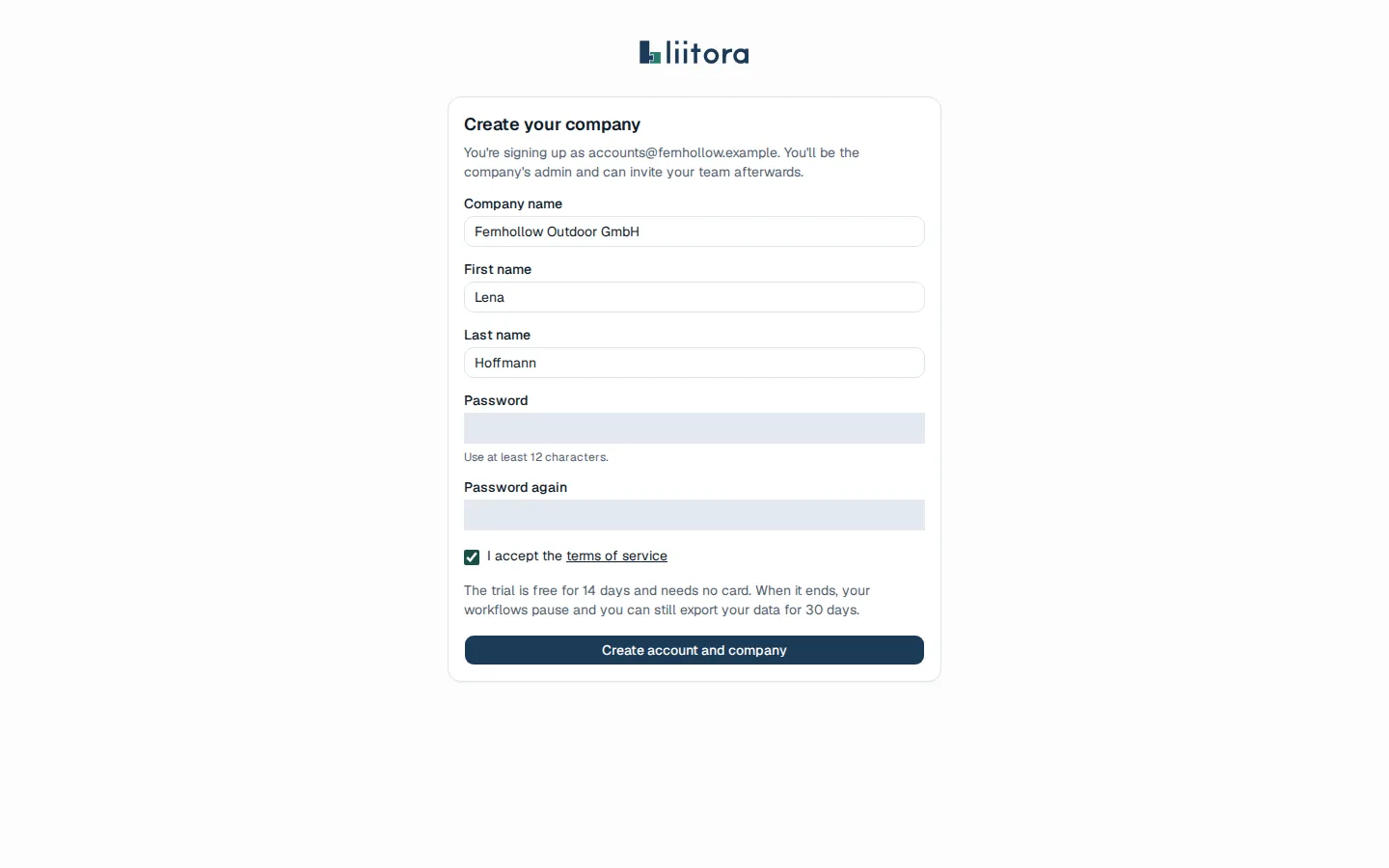
Section titled “2. Create your company”The link opens Create your company. Fill in:
- Company name: how your company appears in Liitora. You can’t change it yourself yet.
- First name and Last name.
- Password: at least 12 characters. Avoid common passwords; they’re refused.
- The terms of service: read them through the link and tick the box.
Then select Create account and company.
We run a limited number of trials at the same time. If all places are taken, the page says so (signup_trials_full). Your link keeps working until it expires, so try again later.
3. Sign in
Section titled “3. Sign in”Select Sign in and use your email and the password you chose. On this first sign-in Liitora asks you to set up a second sign-in step, an authenticator app and recovery codes. Keep the recovery codes somewhere safe.
What the trial includes
Section titled “What the trial includes”On the trial one workflow step can be as large as on Business, so you can try a real workflow. The monthly amounts are smaller: 5,000 runs, 1,000 emails, and schedules of every 15 minutes or slower. See Limits per plan.
To keep going after the trial, pay for your plan on Settings > Billing. When the 14 days end without a paid plan, your workflows pause. You can still sign in and export your data for 30 more days. After that the company and its data are deleted. You get an email 7 days and 1 day before each step.
When signup isn’t open
Section titled “When signup isn’t open”If the page says Signing up isn’t open yet, ask for early access on the website, and we set up your company with you.
Next steps
Section titled “Next steps”- Invite your team: a workflow can’t run until a second person approves it.
- Connect your AI assistant
- Your first scheduled report